Appearance
Cards
Cards contain content and actions about a single subject.
Principles
Contained: They are identifiable as single, contained units.
Independent: Cards can stand alone, without relying on surrounding elements for context.
Individual: They cannot be merged with other cards or divided into multiple cards.
Usage
Cards are surfaces that display content and actions on a single topic.
They SHOULD be easy to scan for relevant and actionable information. Elements, like text and images, SHOULD be placed on them in a way that clearly indicates hierarchy.
Cards MUST be used to display content and actions on a single topic.

Design guidelines
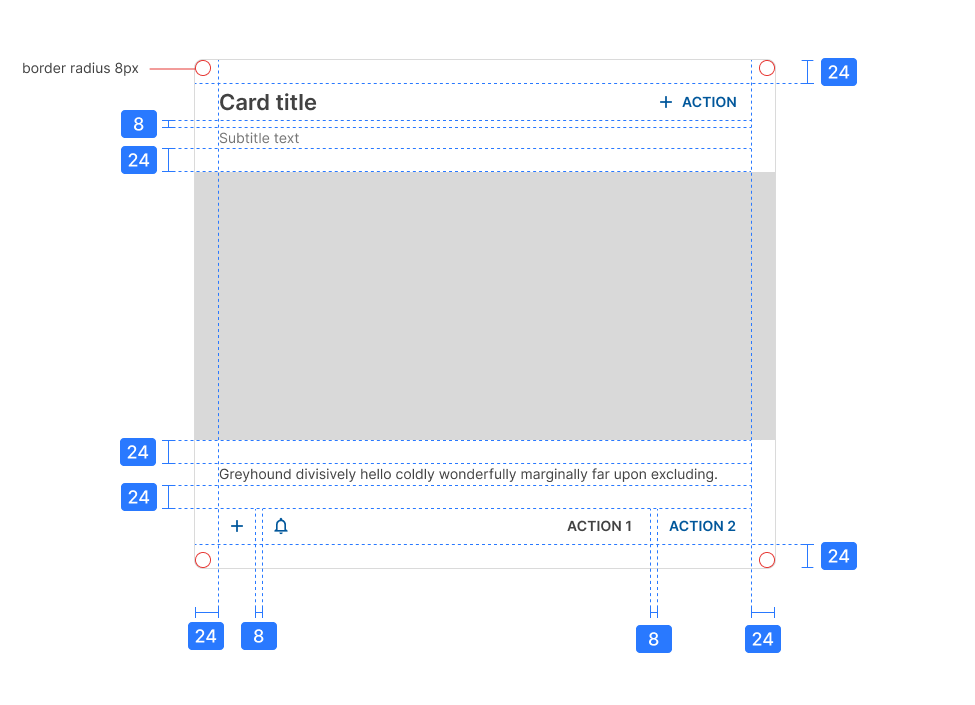
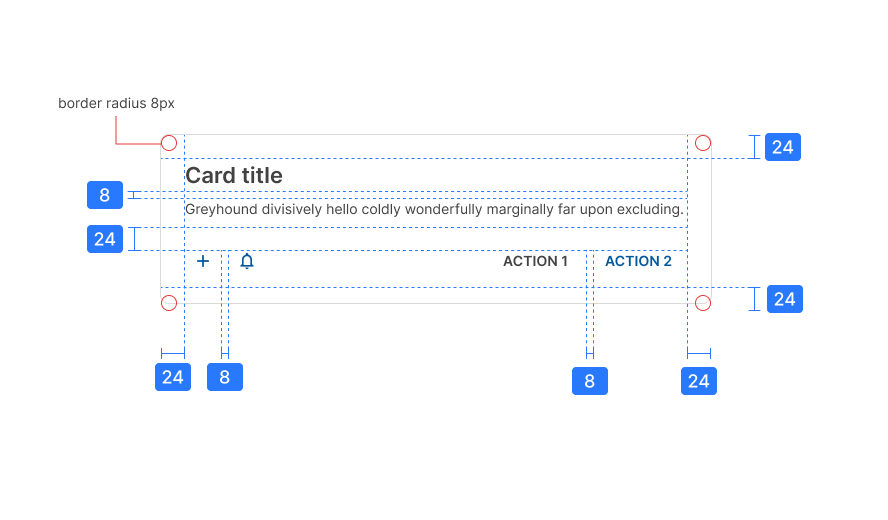
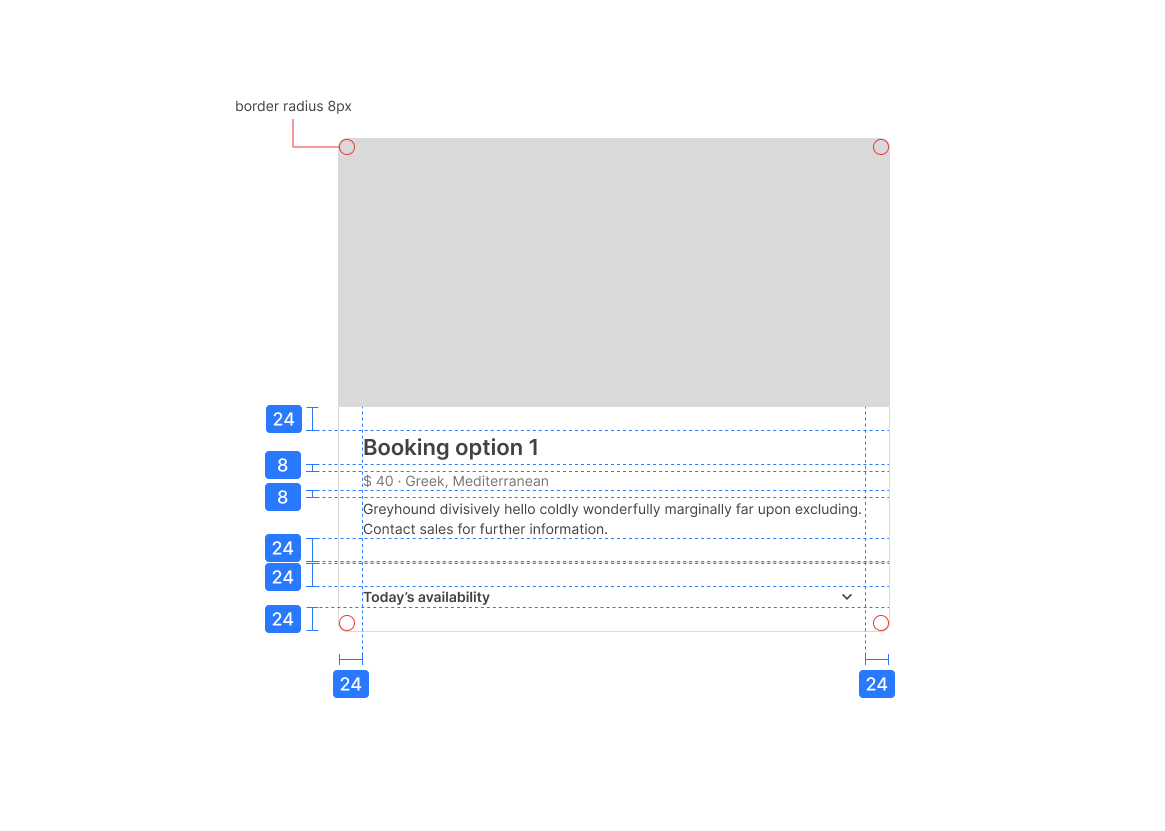
Anatomy
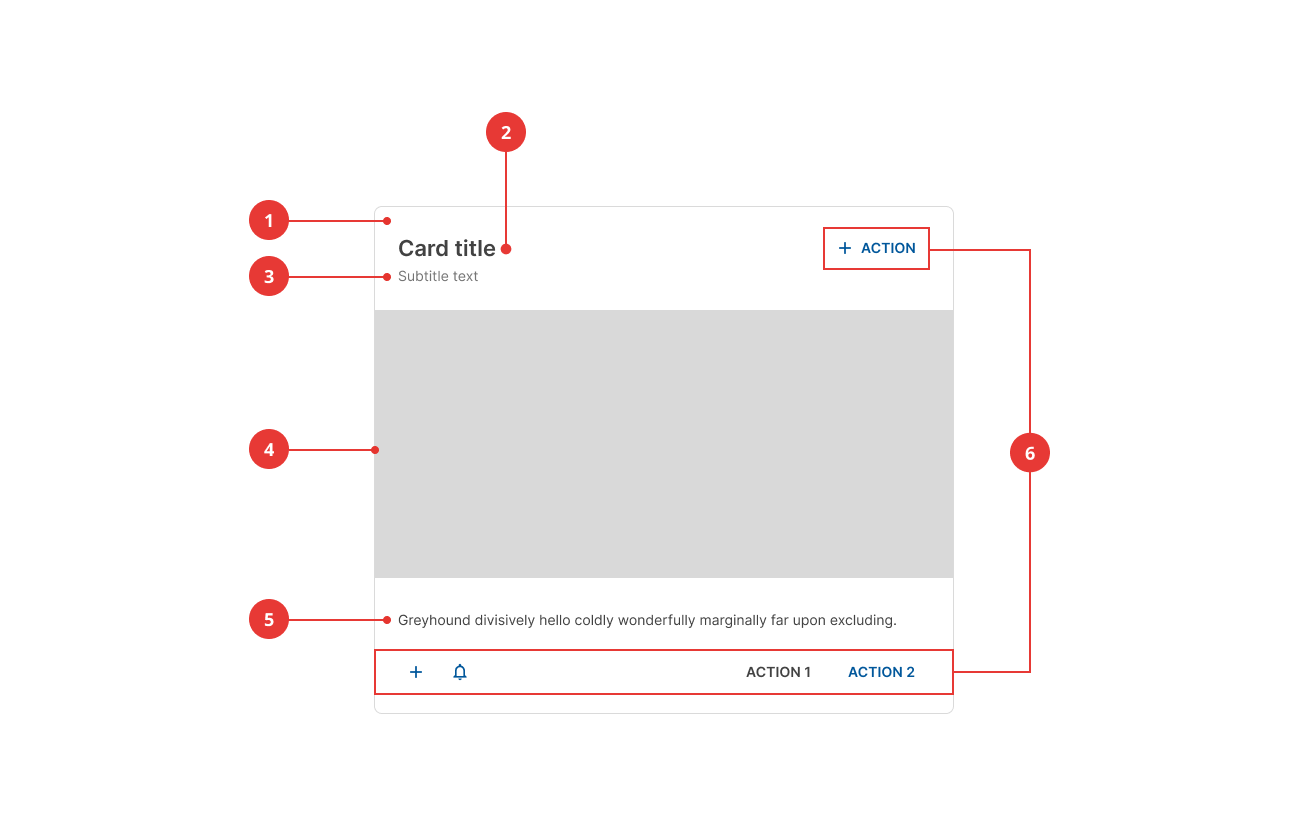
- Container
- Title (optional)
- Subtitle (optional)
- Image (optional)
- Supporting text (optional)
- Actions (optional)
Container
As the only mandatory element, the container defines the boundaries of a card. Although any element CAN be included in a card, at least two must be present.

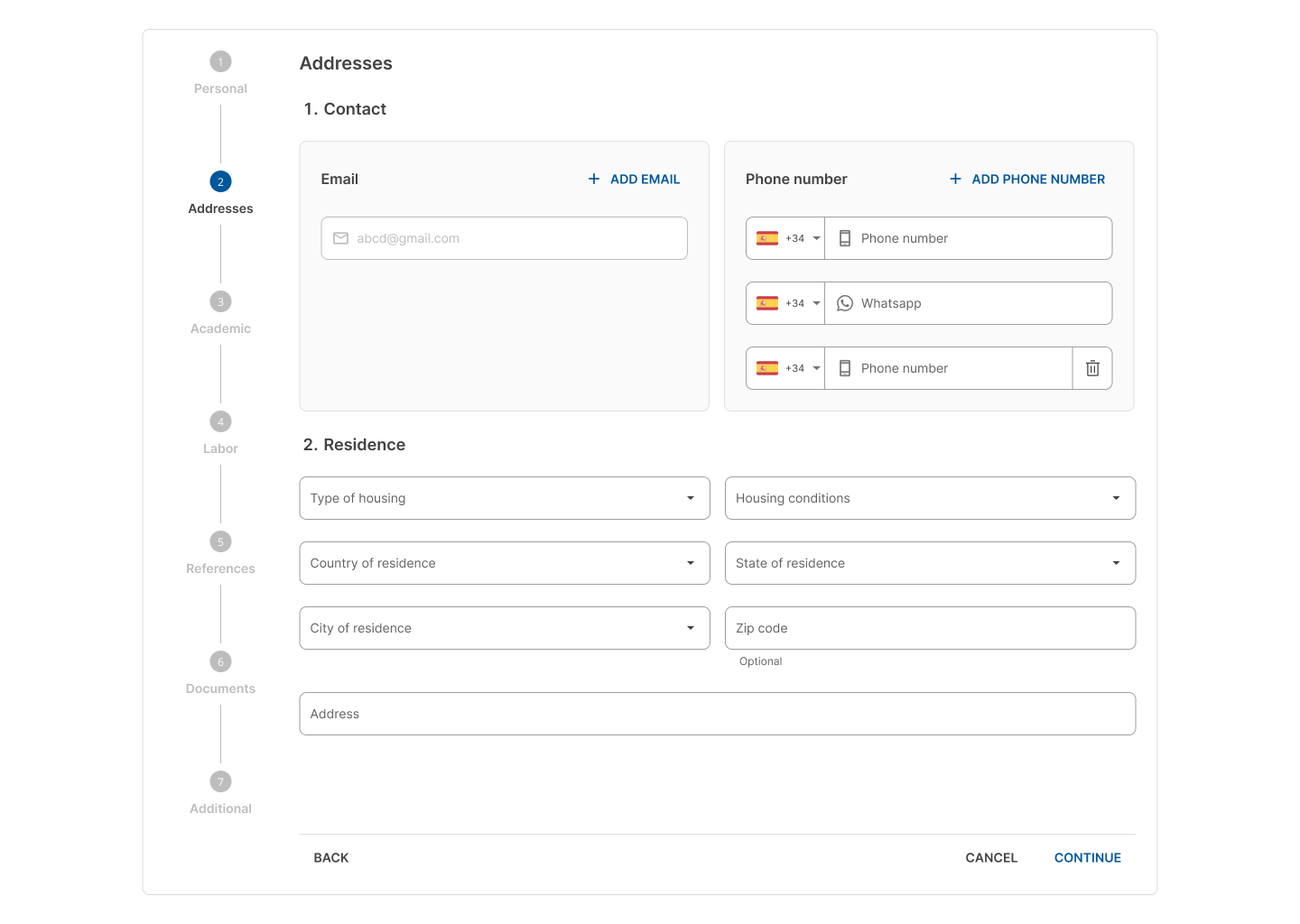
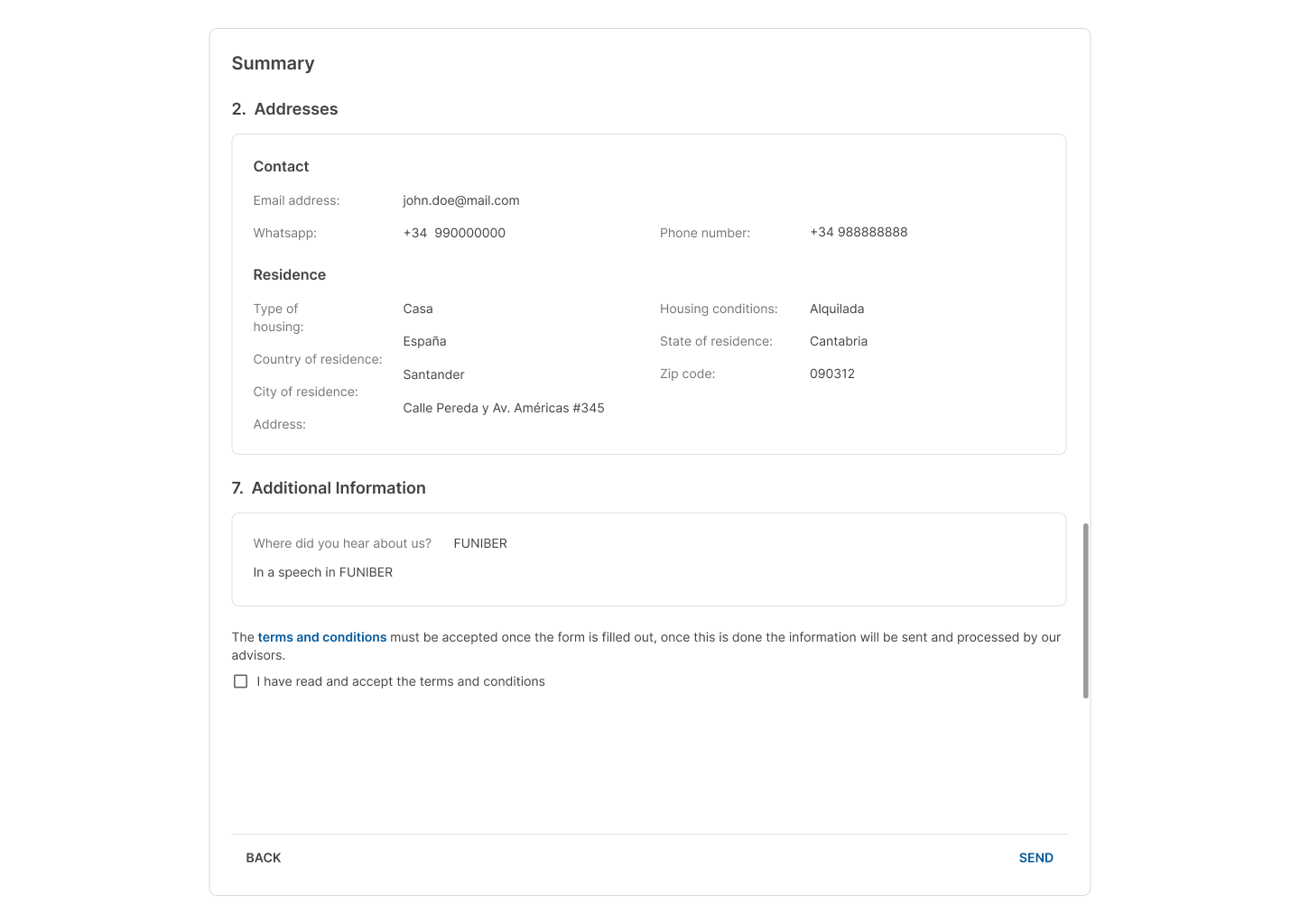
Cards that are used as the main page container CAN have other cards inside.
These cards have a specific style to differentiate themselves from the main card container.
Dividers
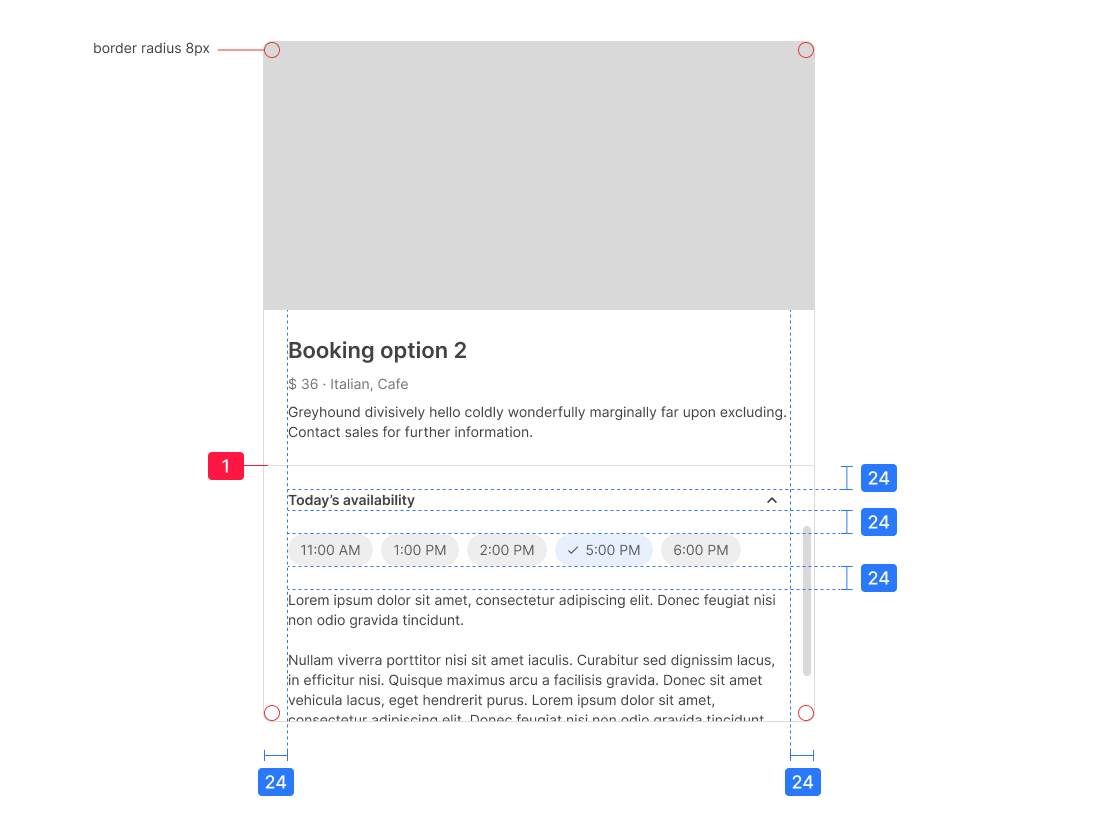
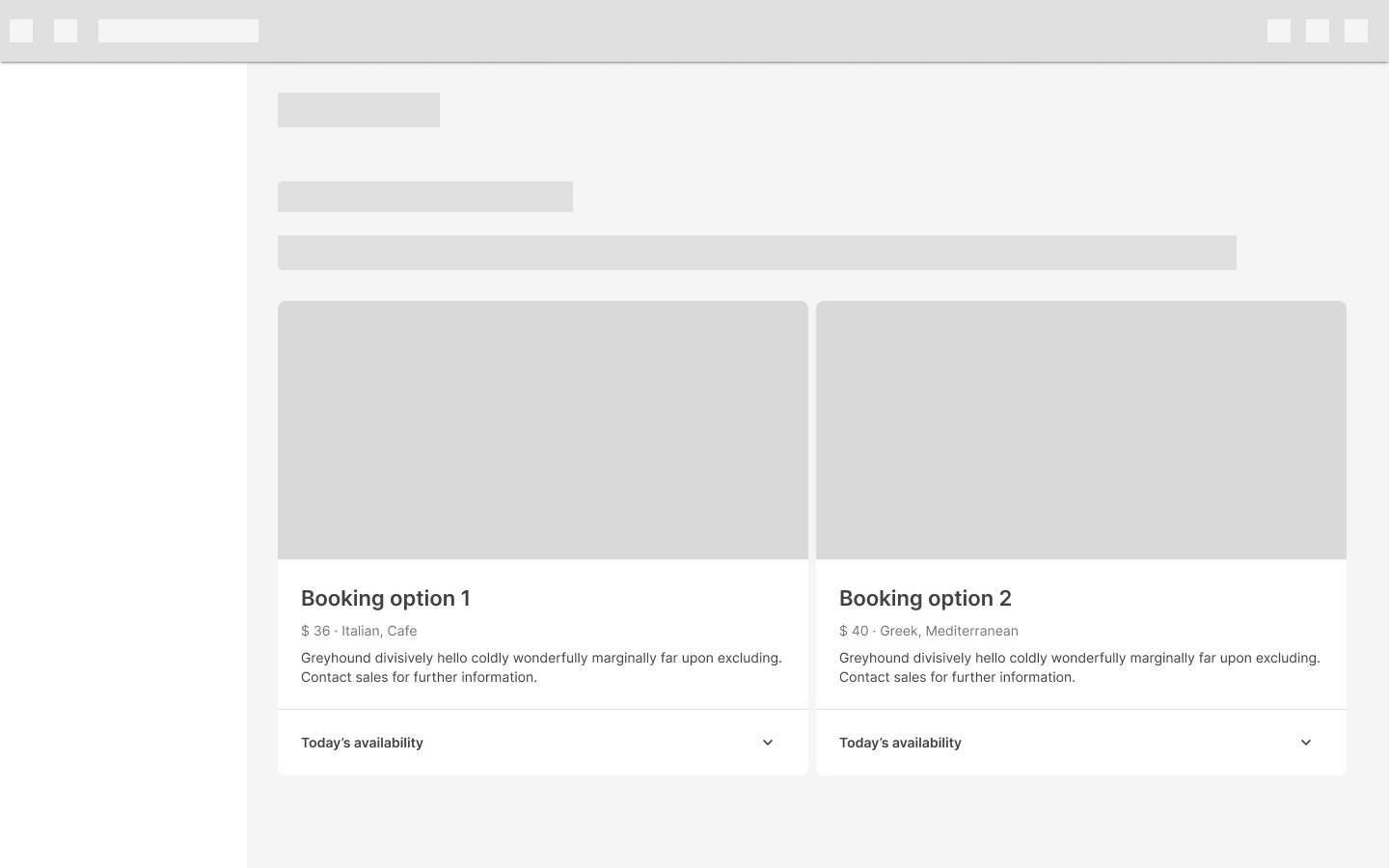
Dividers CAN also be used inside the card container to separate related content or expandable sections.
Actions
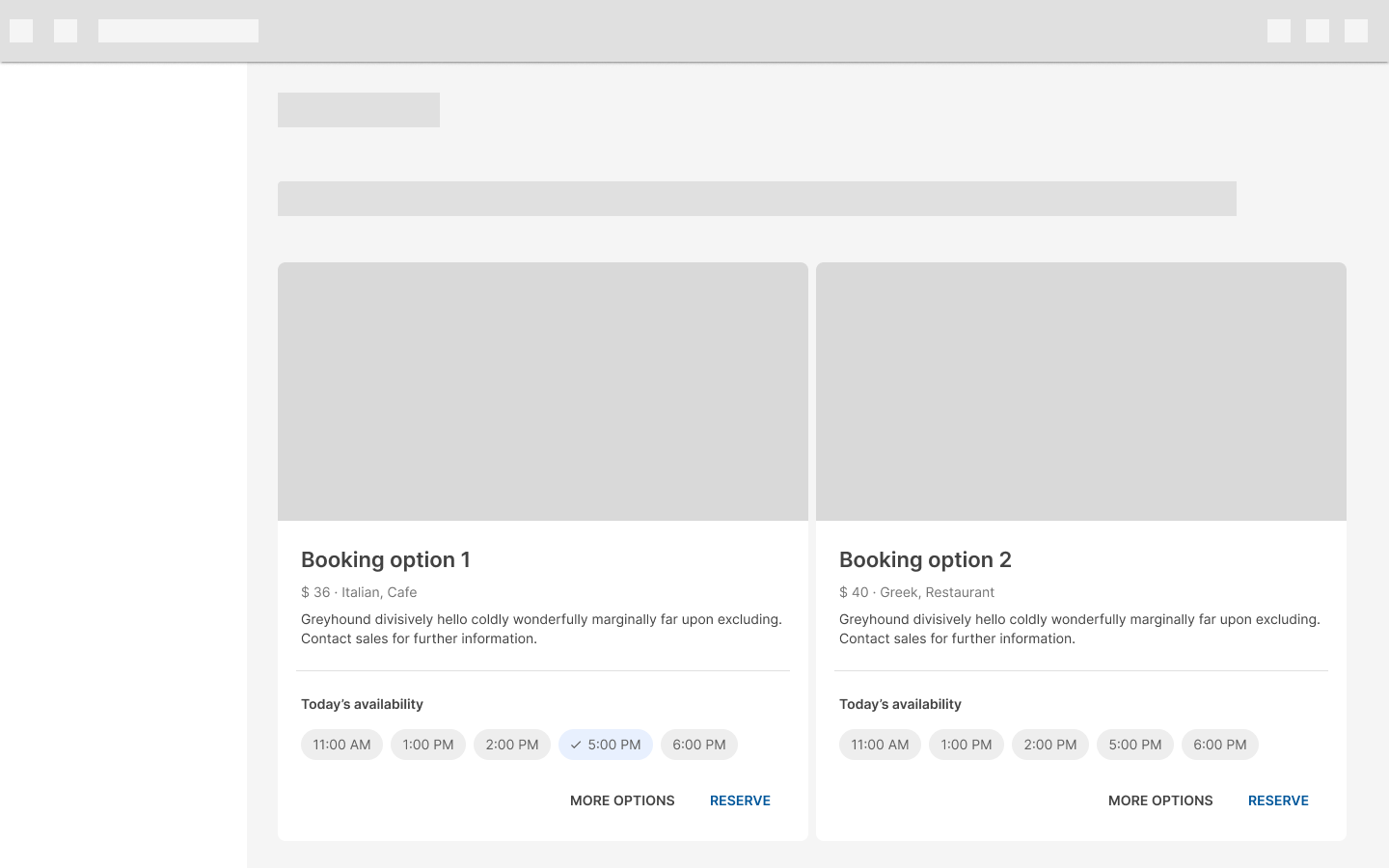
Text buttons represent these elements.
The actions at the bottom-left can be text or icon buttons.

Background process indicator
Sometimes the content inside a card is updated by a background process.
It's important to let the user know that the data is updated in real time; in this case, we use an indicator that includes an icon and simple text expressing what is currently happening.

Bear in mind that these indicators don't disable the card while loading data.
Placement
When multiple cards are present, they are grouped together into one or more collections.
Cards that belong to a collection SHOULD be placed next to each other.
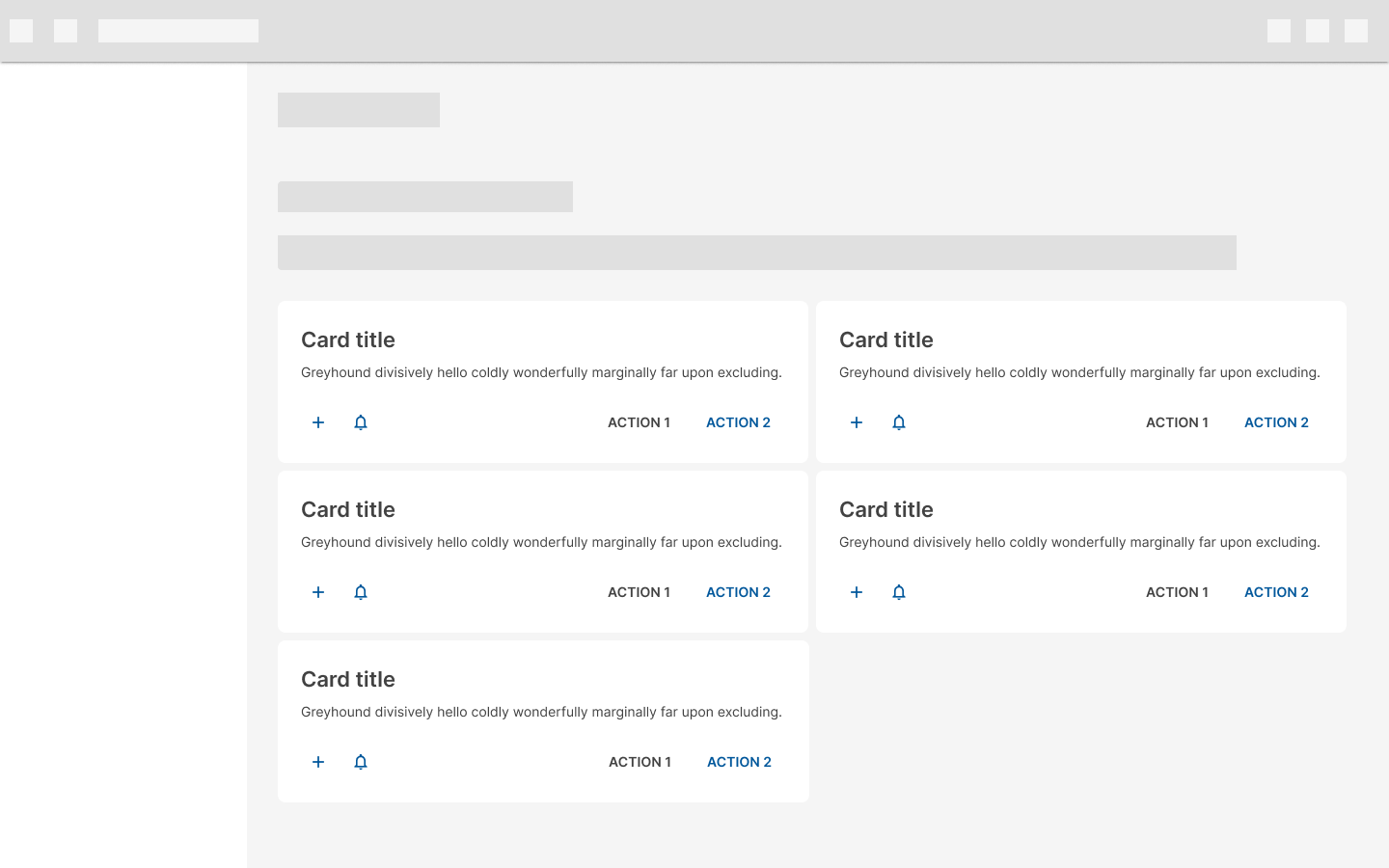 The spacing between cards from the same collection is 8px.
Avoid placing cards that do not belong together or that contain a different array of elements in the same collection.
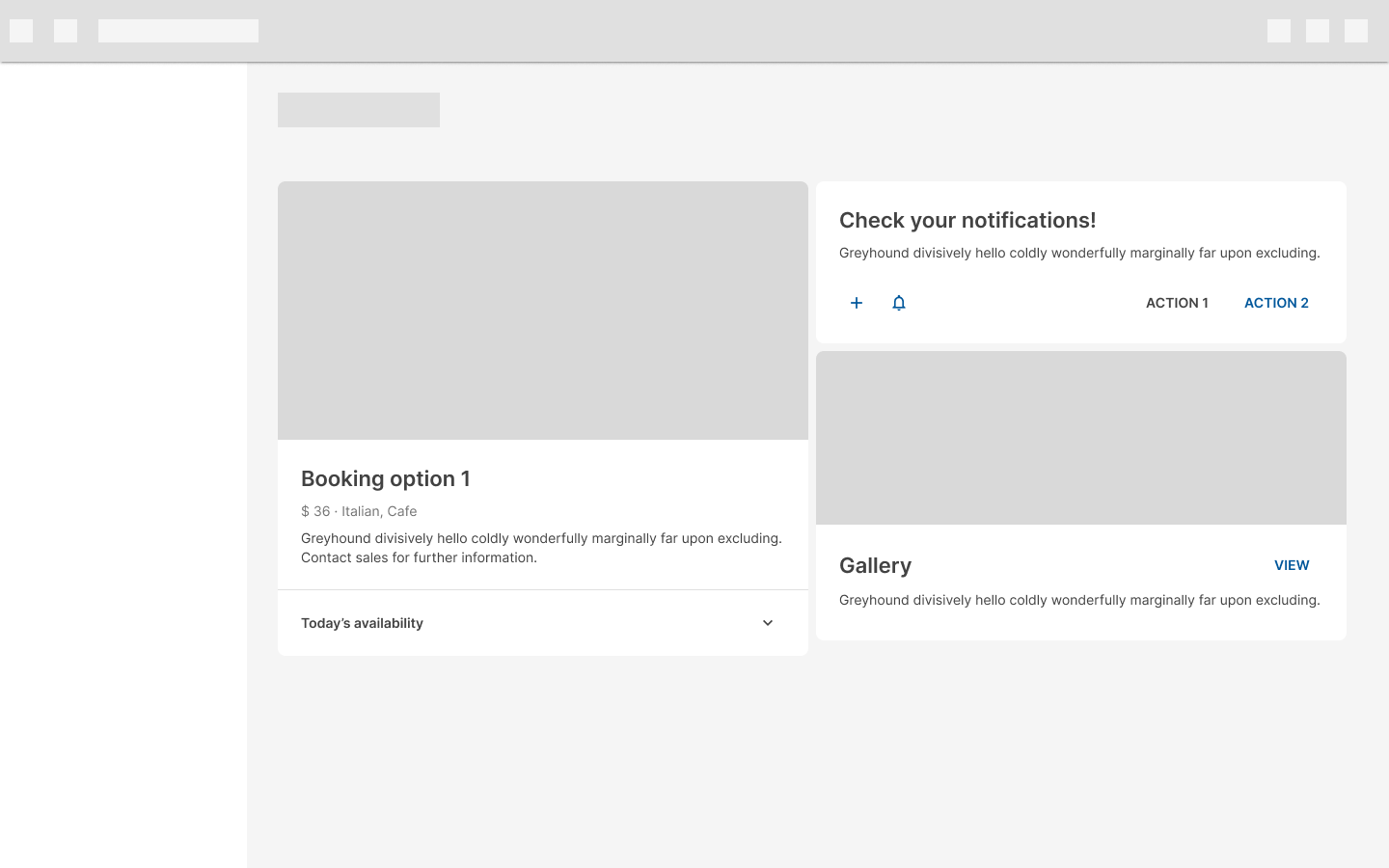 If this is not done with a specific intention, it could make the content appear disorganized.
Behavior
Ergonomics
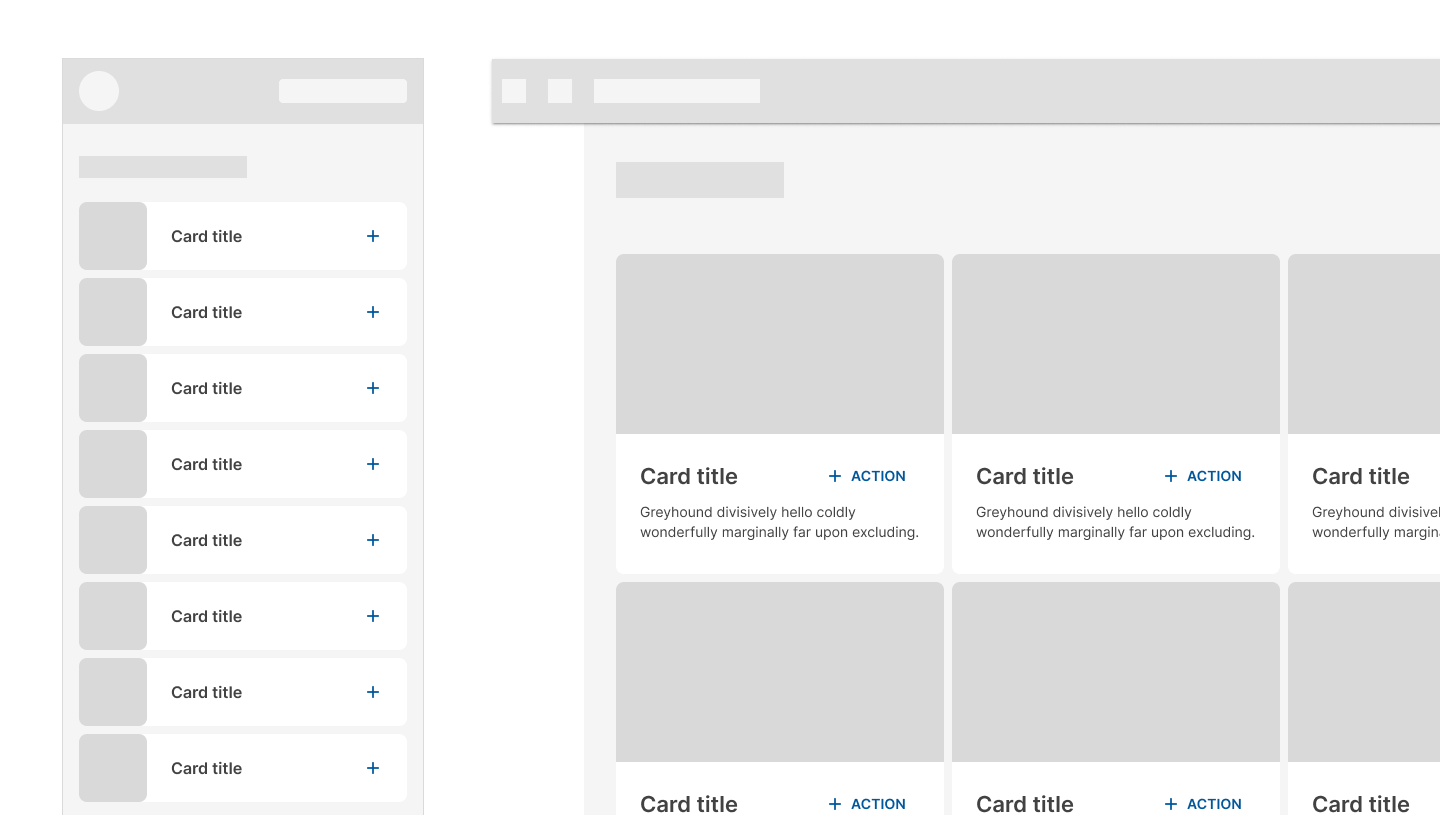
Adjust the layout of components to meet the needs of large screen devices. For example, a horizontally oriented card in a compact window size MAY become a larger, vertically oriented card in an expanded window size, lending more space to imagery and typography to fit the larger screen.
Adjust component layout so content remains the main focus on large screens.
Interactivity
Swipe
Cards SHOULD NOT contain swipeable content (such as an image carousel).

These gestures SHOULD NOT cause portions of cards to detach upon swipe.
A card COULD be swiped as a whole, to change its state or to dismiss it.
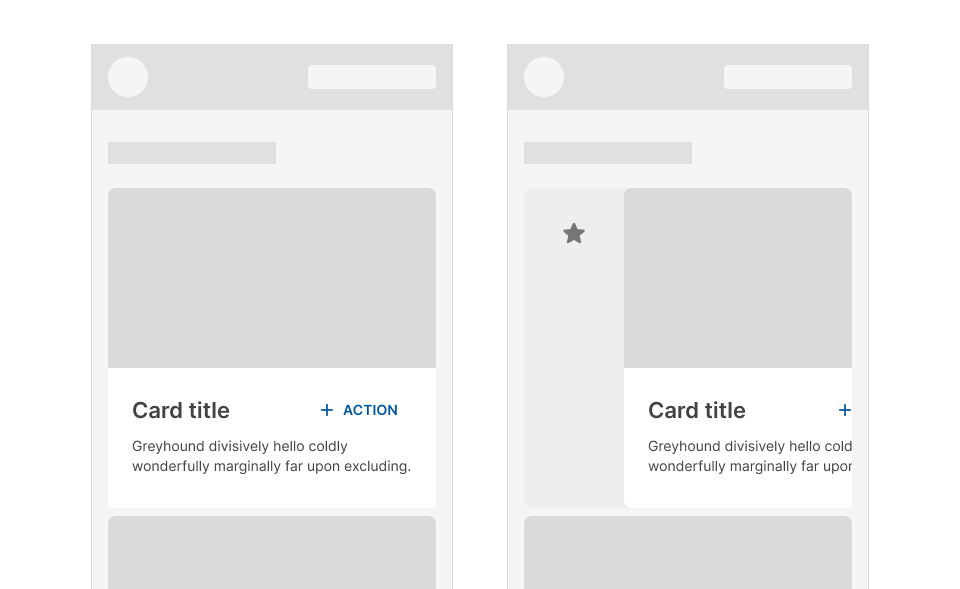
A card SHOULD only have one swipe action assigned to it.
Scroll
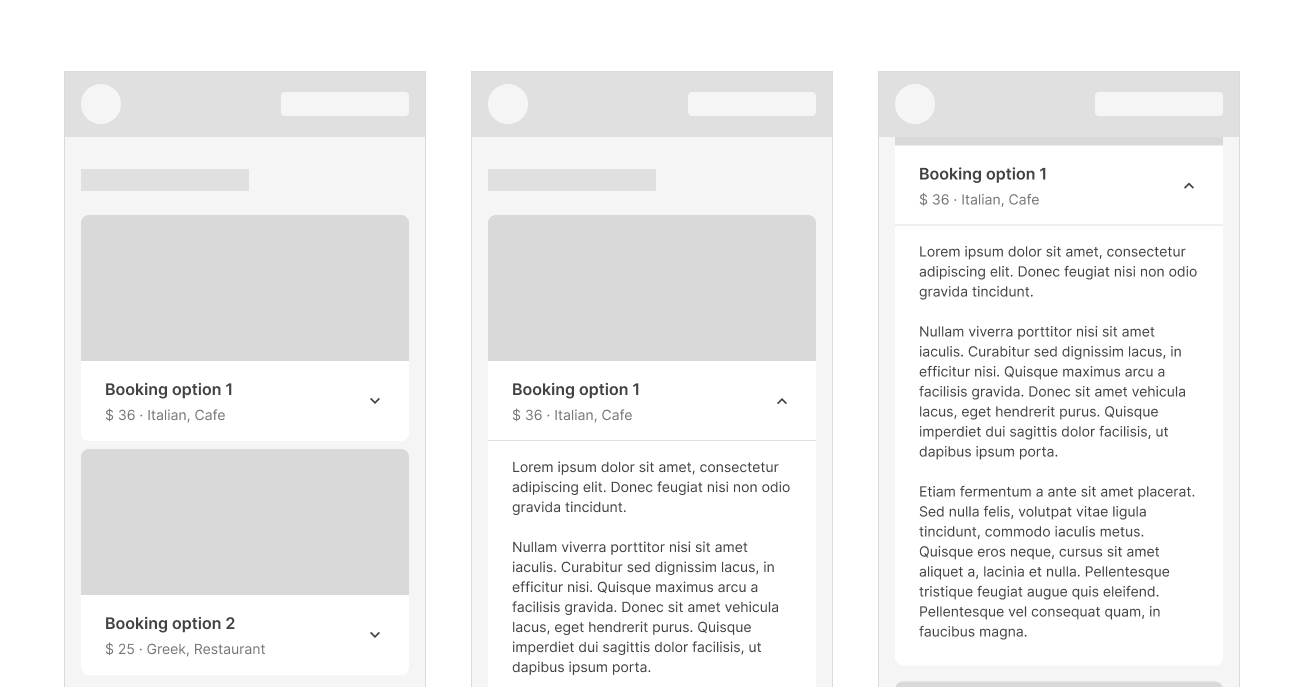
On mobile, card content that is taller than the maximum card height is truncated and does not scroll, but CAN be displayed by expanding the height of a card.
Cards DO NOT have scrollable content on mobile.
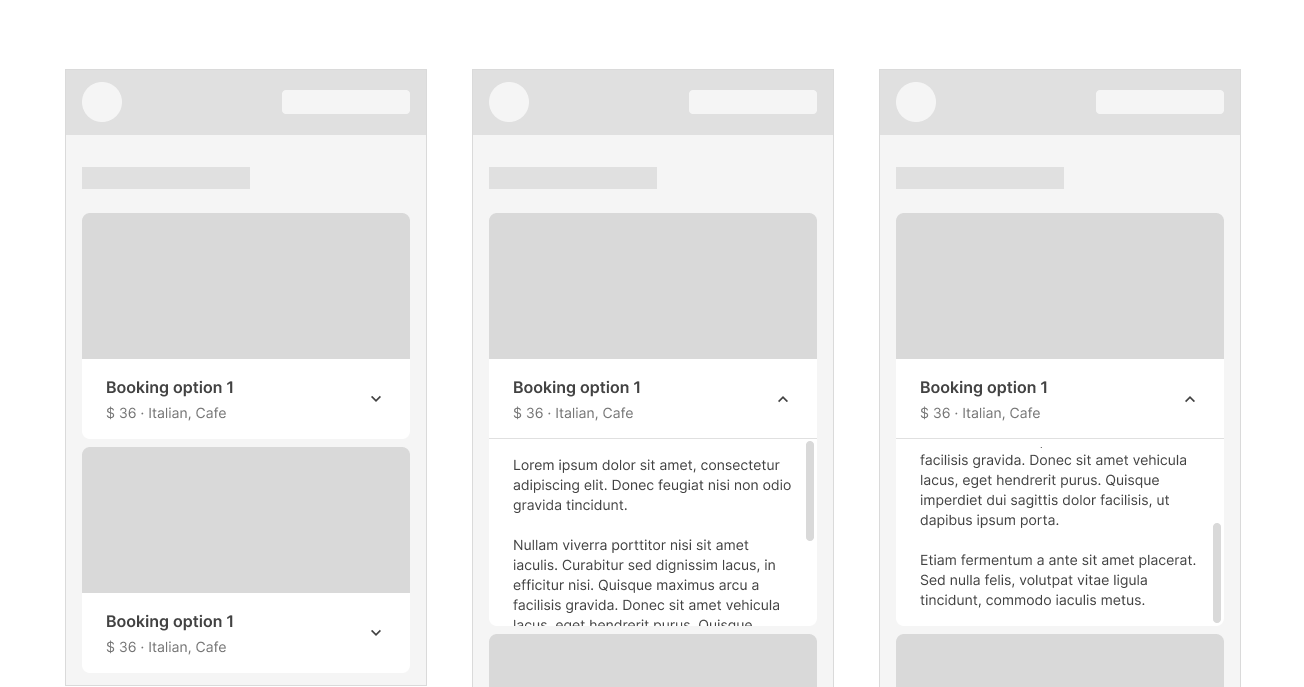
A card can expand beyond the maximum height of the screen, in which case the card scrolls within the screen.
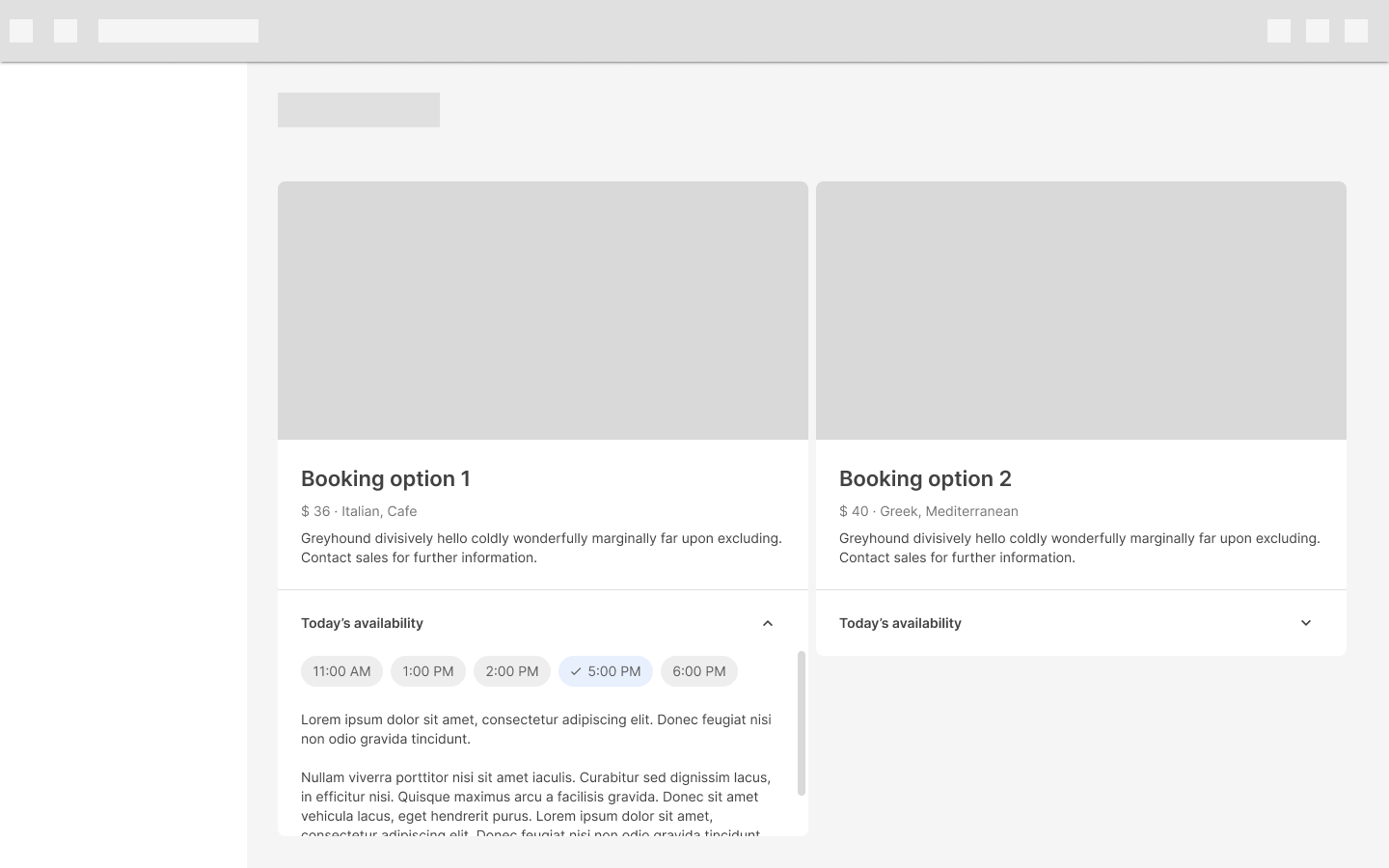
On desktop, content can expand and scroll within a card.
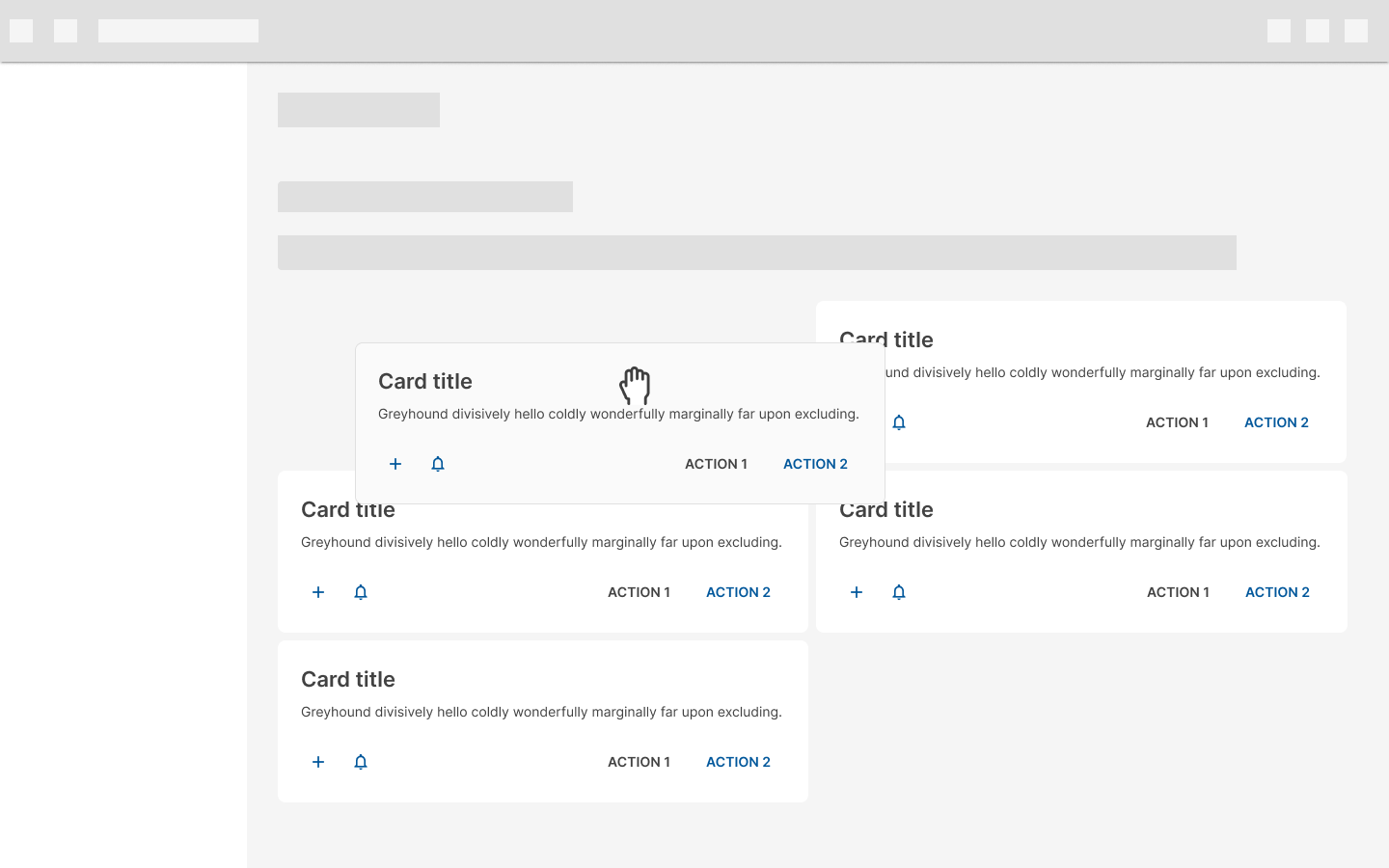
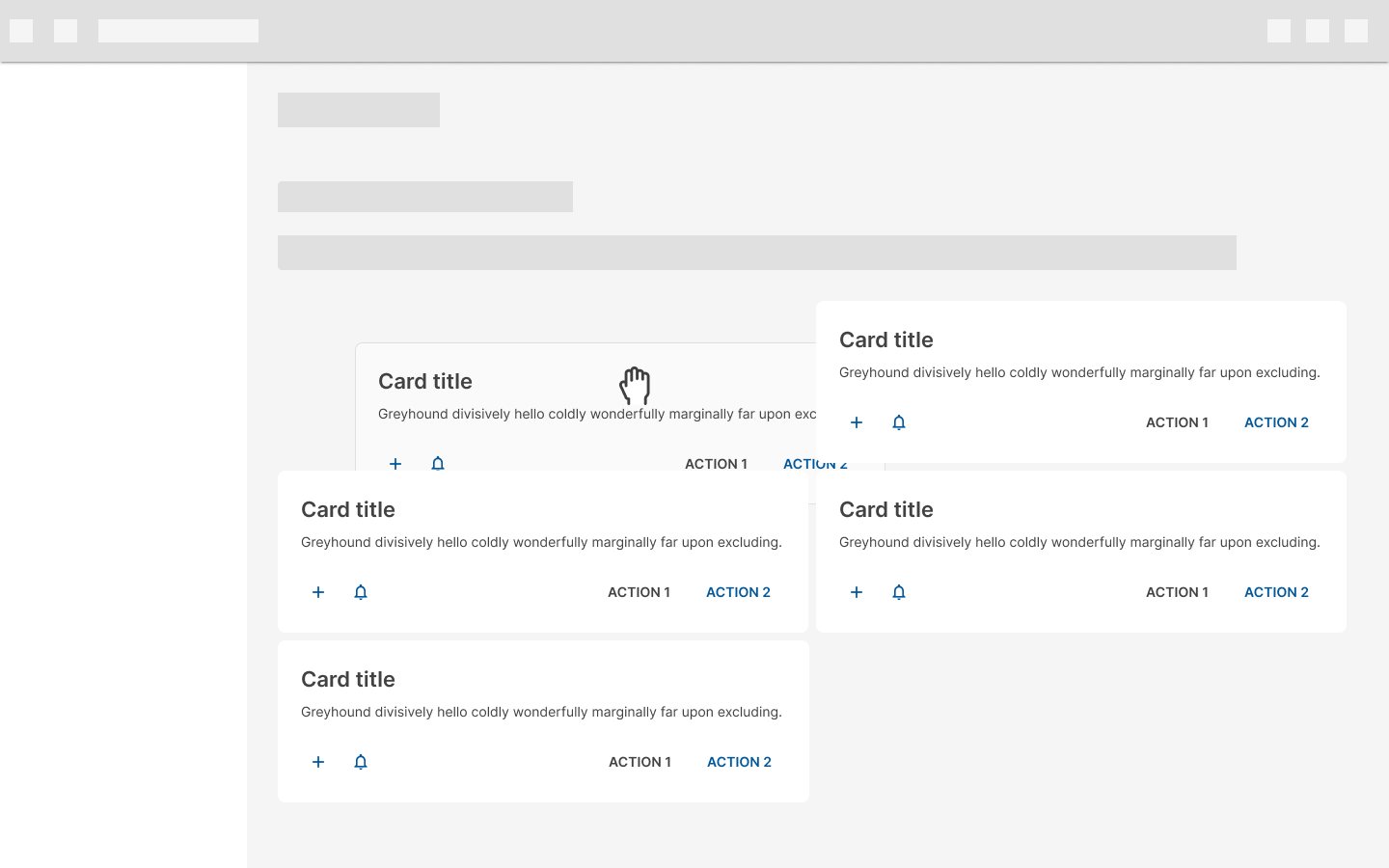
Pick up and move
This gesture allows users to move and reorder cards in a collection.
When a card is picked up, it appears in front of all elements (except app bars and navigation).
Don’t move cards behind other cards.
Specs